Description
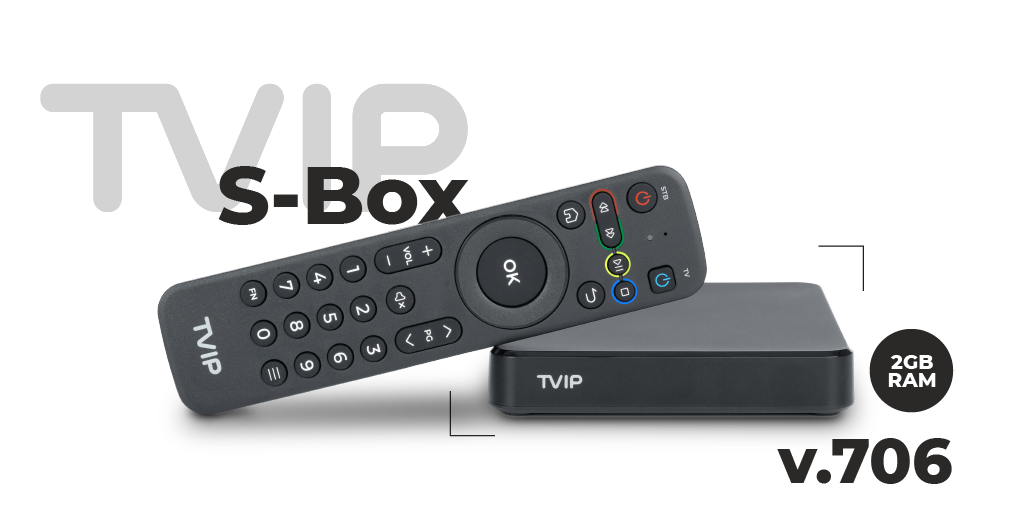
The TVIP S-Box v.706 is a high-performance IPTV/OTT media player and Android TV receiver built for internet-based television from all over Europe and beyond. With 4K Ultra HD resolution (3840×2160) and HDR support, it delivers crisp picture quality for streaming apps, live IPTV playlists, and multimedia playback. Powered by a quad-core Amlogic S905W2 CPU, 2 GB RAM and Android 11, the device supports modern video codecs like HEVC and AV1, dual-band Wi-Fi, Bluetooth, Ethernet and a suite of popular streaming protocols. It’s perfect for watching free-to-air IPTV channels, OTT services, catch-up apps and downloaded content on your big screen.
Frequently Asked Questions (FAQ)
Q: What content can I watch with the TVIP S-Box v.706?
A: This box lets you stream IPTV playlists from all European countries, including free-to-air city and regional channel lists, sports streams, news feeds and international TV playlists. It also plays OTT streaming apps like YouTube, Netflix, Prime Video or Kodi (if installed), so you can watch movies, series, documentaries and clips in one place.
Q: Can it play 4K HDR content?
A: Yes — the TVIP S-Box v.706 supports 4K Ultra HD (3840×2160) with HDR, so you can watch high-resolution IPTV streams, 4K movies and HDR-enabled apps with vivid colors and sharp detail.
Q: Will it work with my home network?
A: Absolutely — it supports dual-band Wi-Fi (2.4/5 GHz) and Ethernet, plus Bluetooth, so it connects smoothly to your router for streaming and can pair with wireless peripherals.
Q: Can I install apps?
A: Yes — running Android 11, the TVIP box lets you install Android apps from compatible sources, giving access to streaming platforms, IPTV players, media centers like Kodi or Plex, and video services.
Q: What file formats and media can it play?
A: It supports a wide range of formats and codecs including H.264, H.265 (HEVC), AV1, VP9, and containers like MP4, MKV, AVI, making it ideal for local media playback as well as online content.
Q: Is it easy to set up?
A: Yes — just connect via HDMI to your TV, link to the internet via Wi-Fi or LAN, install your preferred IPTV or OTT apps, and you’re ready to stream live TV or on-demand content.